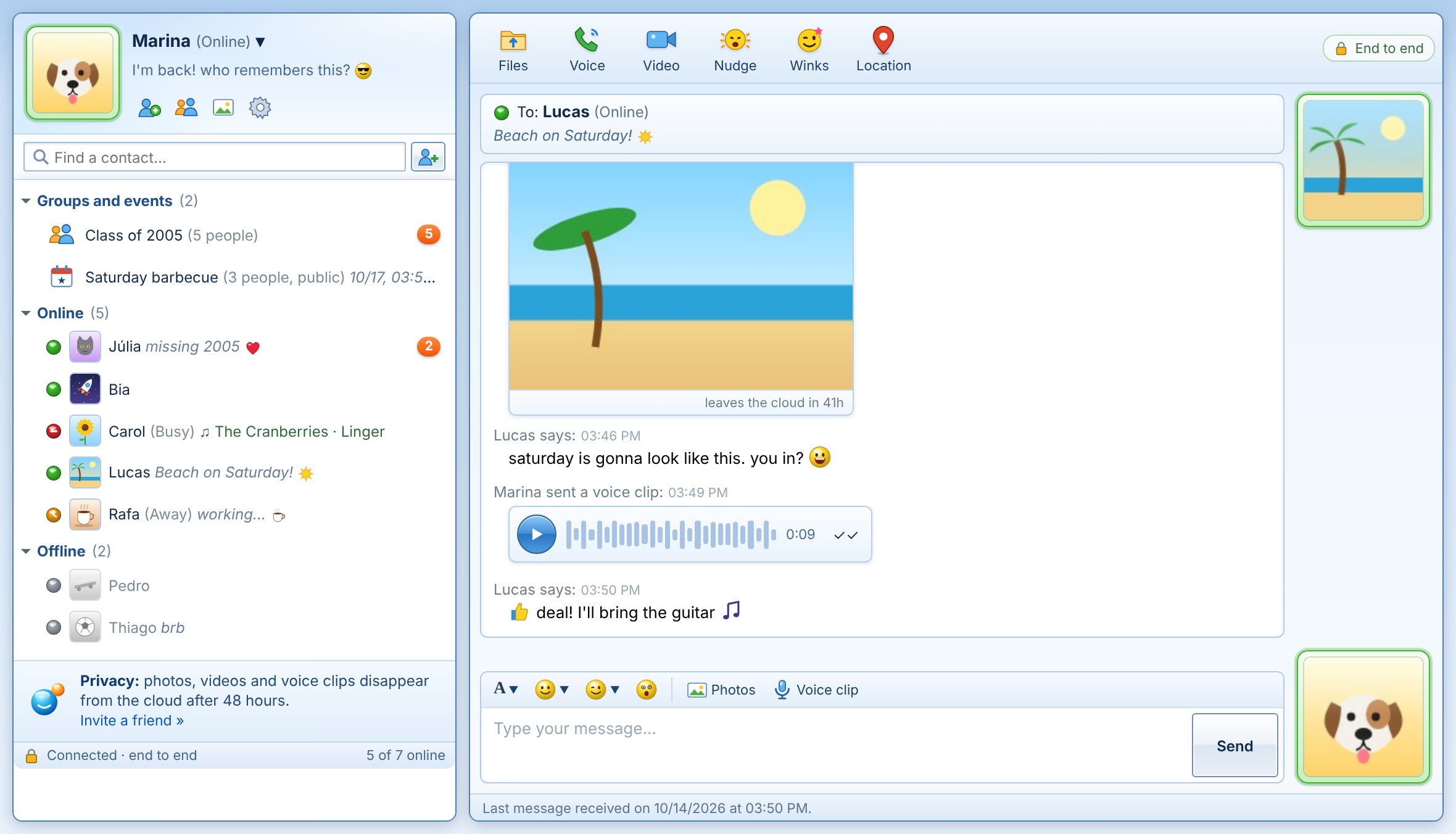
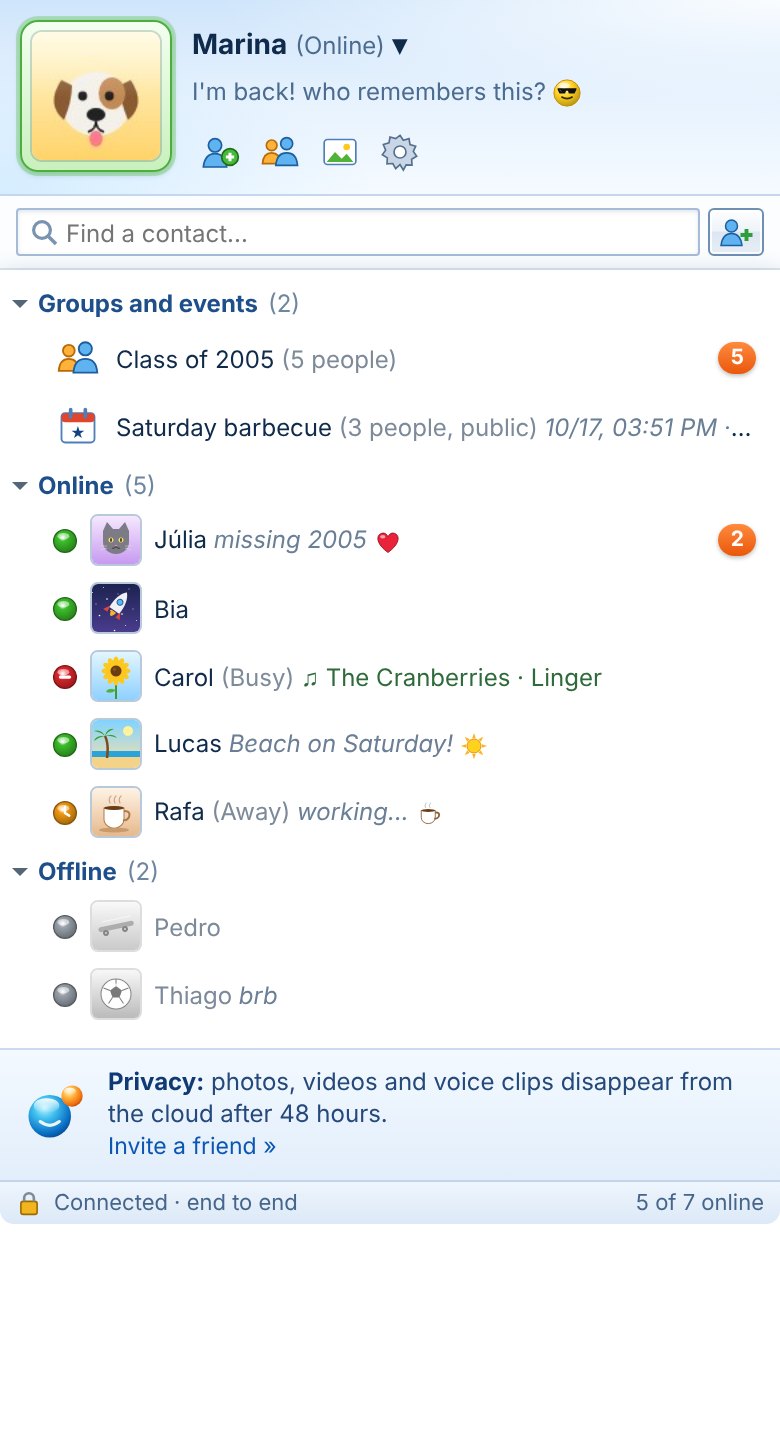
The messenger you remember, looking just like you remember, made for today. Show your QR code and that's it: you're already chatting. No sign-up, no password, no e-mail.
For Mac and Windows. Also works in the browser on your computer and phone.
Orby Messenger
Simplicity
No more reading out phone numbers. Click Invite a friend, show your QR code or send the picture, and your friend shows up on your list right away. To join someone's Orby, point your camera at their QR.
No sign-up, no password, no e-mail
Offline messages: delivered when your friend signs in
Groups, events with RSVP and public groups
Privacy
Everything is encrypted on your device before it leaves. The Orby cloud only keeps sealed envelopes: it doesn't have the keys and can't read your chats, photos or audio.
End-to-end encryption for everything
Photos, videos, audio and files leave the server after 48 hours
Delete all your data from the cloud with one click
Device to device
Voice and video calls and large files go straight from one device to the other. New computer? Your access key brings back your friends and your whole history, in the app or in the browser.
Voice and video straight between you
Files of any size, sent directly
Same account on Mac, Windows and the Web, in sync
Nostalgia
The window you remember, the way you remember it. "So-and-so says:", your status with a personal message, the sound when someone signs in, the emoticons, the winks and, of course, the Nudge that shakes the window.
Online, Busy, Away, Be right back, Appear offline
"Now listening" with the song playing on your Mac
Voice clips, photos and live location
How it works
1
Download and sign in
Type the name your friends will see. Done, your account exists. No forms.
2
Show your invite QR
In Invite a friend. Your friend scans it with the camera, or you send the picture any way you like. The invite is public.
3
Keep your access key safe
It is your account, and it is secret. With it you sign in on another computer or in the browser and find everything as you left it.
Orby on the Web
On your work computer or your phone: open orbymessenger.download/web, scan the QR shown by your Orby in Tools › Use in a browser or phone and your conversations appear, in sync with the app. Encryption happens right there, in the browser.
Free. The app lets you know when there's a new version.
On Windows, if you see "Windows protected your PC", click More info › Run anyway.
Questions
Do I need a phone number or e-mail?
No. Your account is an access key created on your device. Nobody asks for your details.
Do I give my key away to invite someone?
No. The invite QR is public and only lets people add you and chat with you. The access key is something else: it is secret and should never be sent to anyone.
What if I lose my computer?
Sign in on any other device with your access key (in Tools › My access key) and your friends and conversations come back. Keep the key somewhere safe: without it the account cannot be recovered.
What is stored on the server?
Only encrypted envelopes the server cannot open, to deliver offline messages and keep your devices in sync. Photos, videos, audio and files are deleted 48 hours after they are sent. You can delete everything at any time in Options.